
Disable DNSSEC
Turn off DNSSEC validation for compatibility.
This feature disables DNSSEC. This is useful if you find that some websites don't resolve, usually due to misconfiguration on the part of the owner of the domain. The issue would present itself as follows:
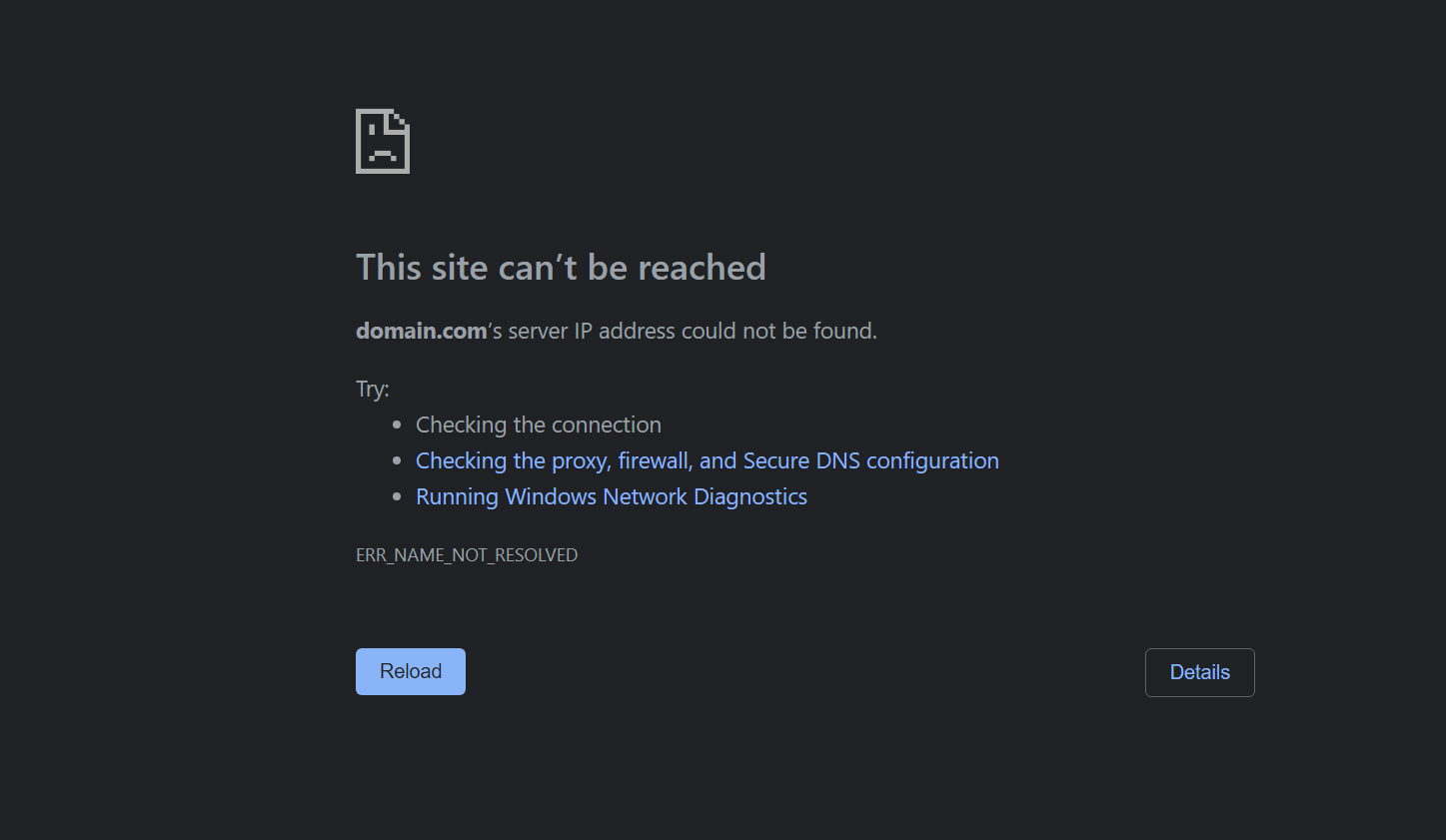
To solve this issue, Edit your Profile, go to Profile Options and toggle the Disable DNSSEC Profile Option to ON.

When to use it
Leave Disable DNSSEC off unless you need it to troubleshoot a DNSSEC compatibility problem. Turning it on removes validation of DNSSEC signatures for this Profile.
DNS-over-HTTPS and DNS-over-TLS encrypt the connection between your device and the resolver. DNSSEC has a different purpose: validating the authenticity of signed DNS data. An encrypted connection is not a replacement for that validation.
If disabling DNSSEC makes a domain resolve, report the DNSSEC problem to the domain owner and turn this option off again when the problem is fixed.
Updated 29 days ago